
DIGITAL DISPLAYS · IN-STORE ADVERTISING
Digital signage software.
Turn your TV into a shop window.
Bring your offers, services and products to life on digital TV displays. Run image and video playlists for salons, retail stores, sweet shops and restaurants, with Android TV signage managed from one web panel.
YOUR CONTENT. YOUR SCREENS.
TV display preview
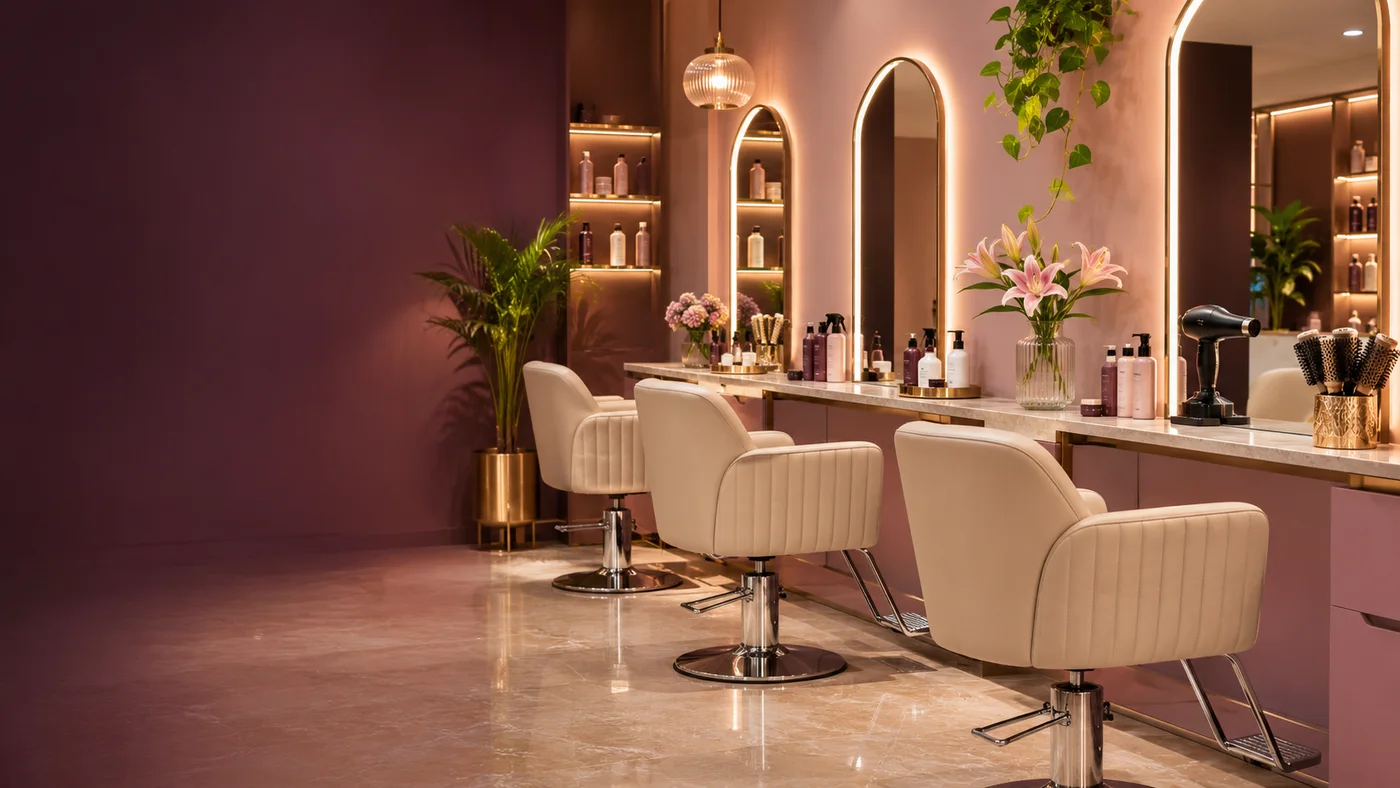
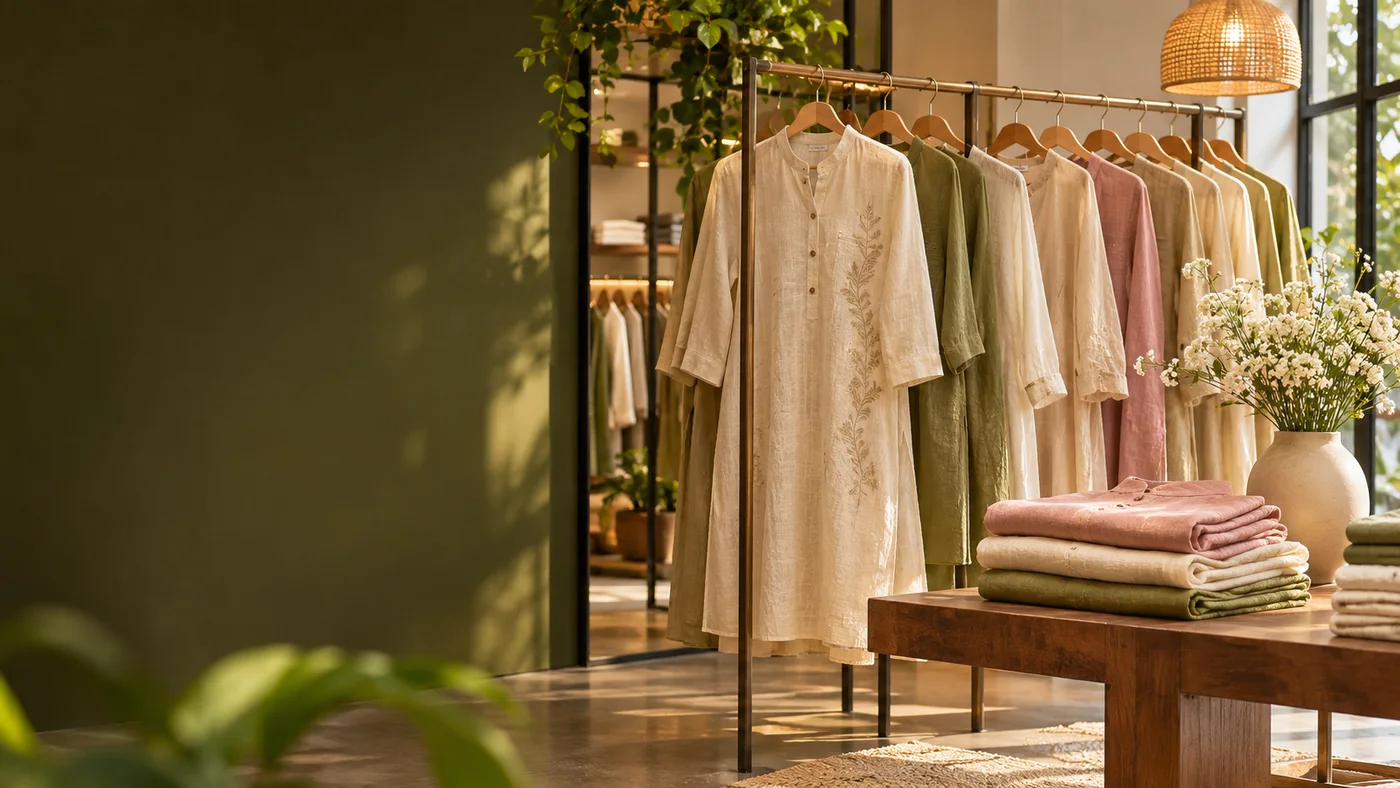
Touch4Bill TV Signage
Example playlist
MADE FOR THE WAY YOUR BUSINESS DISPLAYS
Digital TV displays for your business.
From a single salon screen to advertising displays across retail stores, choose the message that fits your customers and location.
Salon & beauty parlour signage
Show service menus, styling inspiration, bridal packages and appointment reminders. Keep a waiting-area TV useful while customers browse treatments.
Retail store advertising displays
Highlight new arrivals, product demonstrations and seasonal promotions. Assign different TV advertising playlists to clothing, footwear, electronics or homeware sections.
Sweet shops & bakery displays
Show fresh sweets, festival gift boxes, savoury snacks and bakery specials. Schedule gifting promotions or an evening snack playlist.
Restaurants & café menu boards
Display food photography, combo menus and drinks. Schedule breakfast, lunch and dinner content on your digital menu boards.
Supermarkets & grocery stores
Promote fresh produce, new products and aisle offers. Group screens by store or department and change the playlist when the promotion changes.
Jewellery, cosmetics & specialty shops
Present collections, product videos and service information at the counter. Give each screen a playlist suited to the products around it.
Offices, clinics & reception areas
Share welcome messages, opening hours, announcements and visitor information on waiting-area displays.
Multi-location businesses
Organise screens by branch, assign common campaigns to a group and tailor individual playlists where the message needs to differ.
WHAT YOU CAN DO
Build your playlist. Set the schedule. Update your screens.
Upload images and videos
Upload your own promotional images, product videos, service menus and announcements to the media library. Reuse your content in different playlists.
Arrange playlists
Arrange images and videos into a playlist for your shop. Mix product promotions with store information and assign the playlist to the relevant screens.
Schedule your content
Choose weekdays, date ranges and time windows for each campaign. Prepare opening-time notices, lunchtime menus or evening promotions in each screen’s time zone.
Group your screens
Group your screens by branch, department or floor. Use a shared playlist for a campaign, or assign individual content where a screen needs a different message.
Check what is playing
Check the playlist and media item reported by online players from your web control panel, so you can see which campaign each screen is running.
Monitor screen connectivity
Review online status and configure offline email alerts for screen owners and administrators.
HOW IT WORKS
From your web panel to your shop’s TV.
Pair the Android TV player, add your media and assign a playlist. After setup, manage in-store ad signage from your browser across the locations you operate.
Pair an Android TV
Connect the player to your account and name the screen for its location.
Build a playlist
Upload the images and videos you want visitors to see.
Schedule and manage
Assign the playlist, set time windows and check playback status.
BEFORE YOUR DEMO
Your questions,
answered.
What kind of TV does it use?
The player is built for Android TV. Share your TV or player model so we can confirm compatibility before setup.
Can different locations show different content?
Yes. Screens can have their own playlists and can be organised into groups for shared scheduling.
Can I schedule different content by time?
Yes. Schedules support weekdays, date ranges and time windows using the screen’s time zone.
Can I use a digital TV as an advertising display?
The player is built for Android TV. Share your TV or player model so we can confirm compatibility and the setup needed for your digital advertising display.
Does it suit salons, retail stores and sweet shops?
Yes. Use the same playlist and scheduling tools for salon service menus, retail product promotions, sweet shop gifting displays and other business content. You supply the promotional images and videos.
Can my TV signage show videos as well as images?
Yes. The media library and playlists support images and videos. Ask for a demo using a sample of your content so we can check how it looks on your screen.
What can I show on a digital menu board?
You can upload menu artwork, food photography, promotional videos and store announcements, then schedule playlists for breakfast, lunch or evening service.
Can I prepare advertising campaigns in advance?
Yes. Set weekdays, date ranges and time windows for your playlists, then target a screen or screen group. This is useful for planned retail offers and seasonal store campaigns.
How is pricing confirmed?
Share your screen count, locations and content requirements. We will confirm the player setup and provide a quote.
LET’S TALK ABOUT YOUR SETUP
See your business on screen.
Tell us your business type, TV models, screen count and locations. Request a digital signage demo for your salon, retail store, sweet shop or other business.
MORE FROM TOUCH4BILL
Explore our other products.
TASKS & TEAM OPERATIONS
Task Management
Plan daily work, assign responsibilities and bring completed tasks back for review. TaskFlow connects a web dashboard for managers with a mobile app for employees.
Explore Task ManagementWINDOWS ACTIVITY & ATTENDANCE
Employee Screen Monitor
ScreenMonitor gives managers a view of Windows PC activity, idle periods and daily attendance timelines. Review device activity in a central dashboard.
Explore Employee Screen Monitor